Earn 10% back as you shop.
Add Croissant to Chrome and $50 lands in your wallet. Then activate it on a retailer's site, and 10% of your order comes back to you as credit to spend at partner brands.







































































How it works
Get 10% back at every partner brand.
Install it once and it stays out of the way until you land on a retailer it supports. From there, it's one tap before you pay.
Add it to Chrome
Install Croissant from the Chrome Web Store and sign in. $50 lands in your wallet for installing.
Shop a retailer
Browse like normal. When you land on a retailer it works with, Croissant pops up and shows the credit you'll earn.
Activate before you pay
Tap Activate Croissant, then check out as usual. 10% of your order comes back to you as credit, or 15% if you're a Croissant Premium member.
Where it works
Earn at top luxury brands and retailers.
It works at retailers including Saks Fifth Avenue, Nordstrom and Revolve, and at the brands you already shop. Croissant opens by itself when you land on one of their sites.






















































































































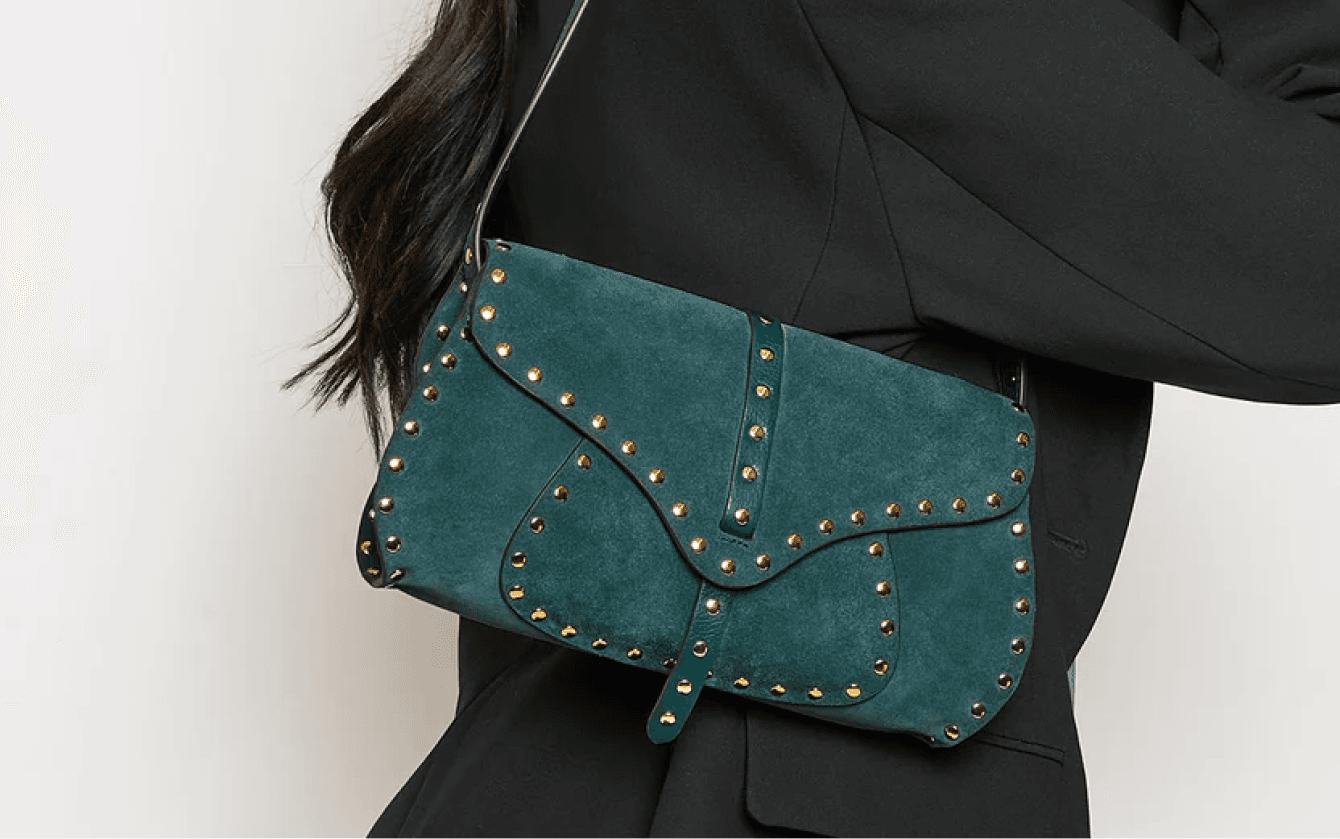
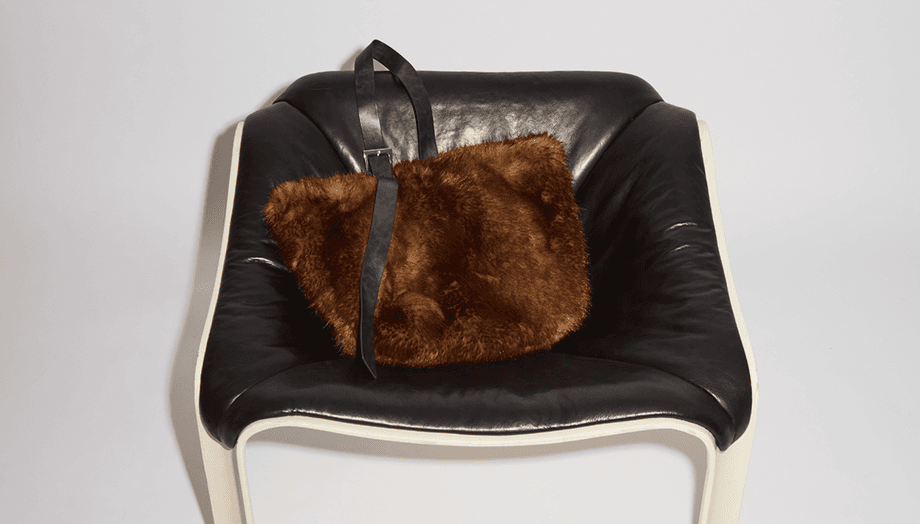



















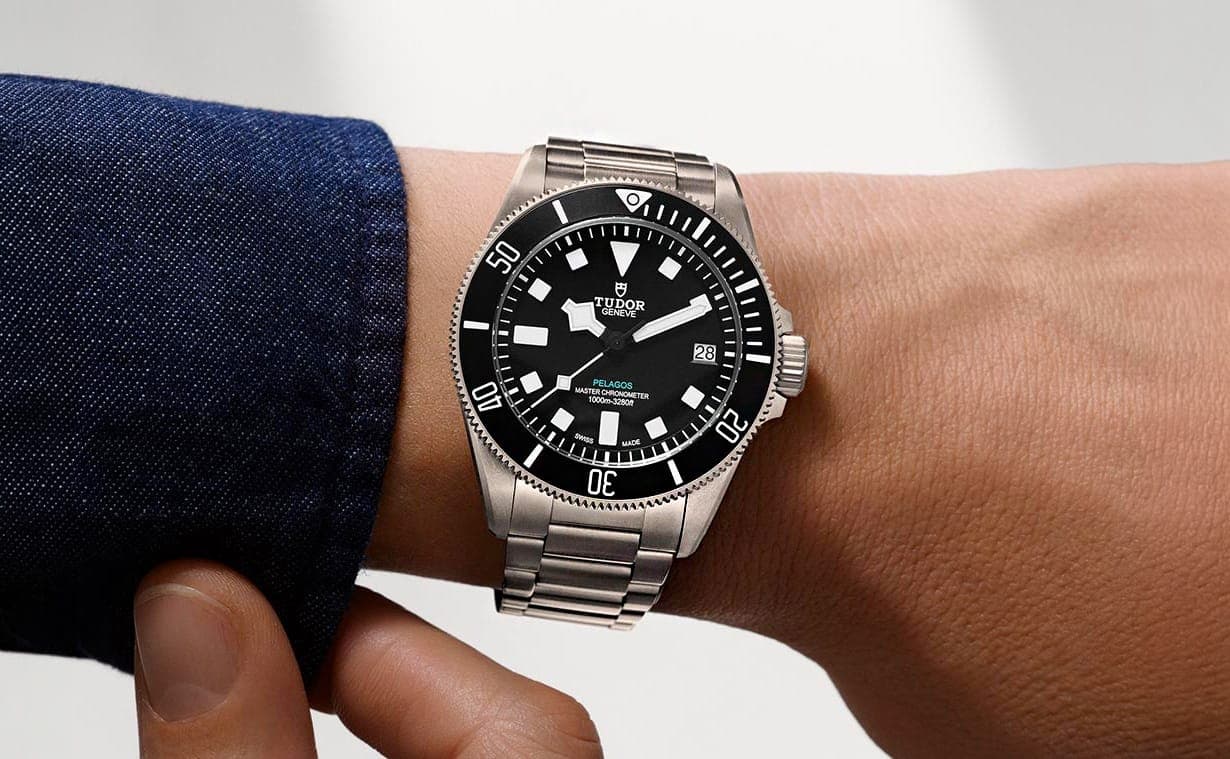









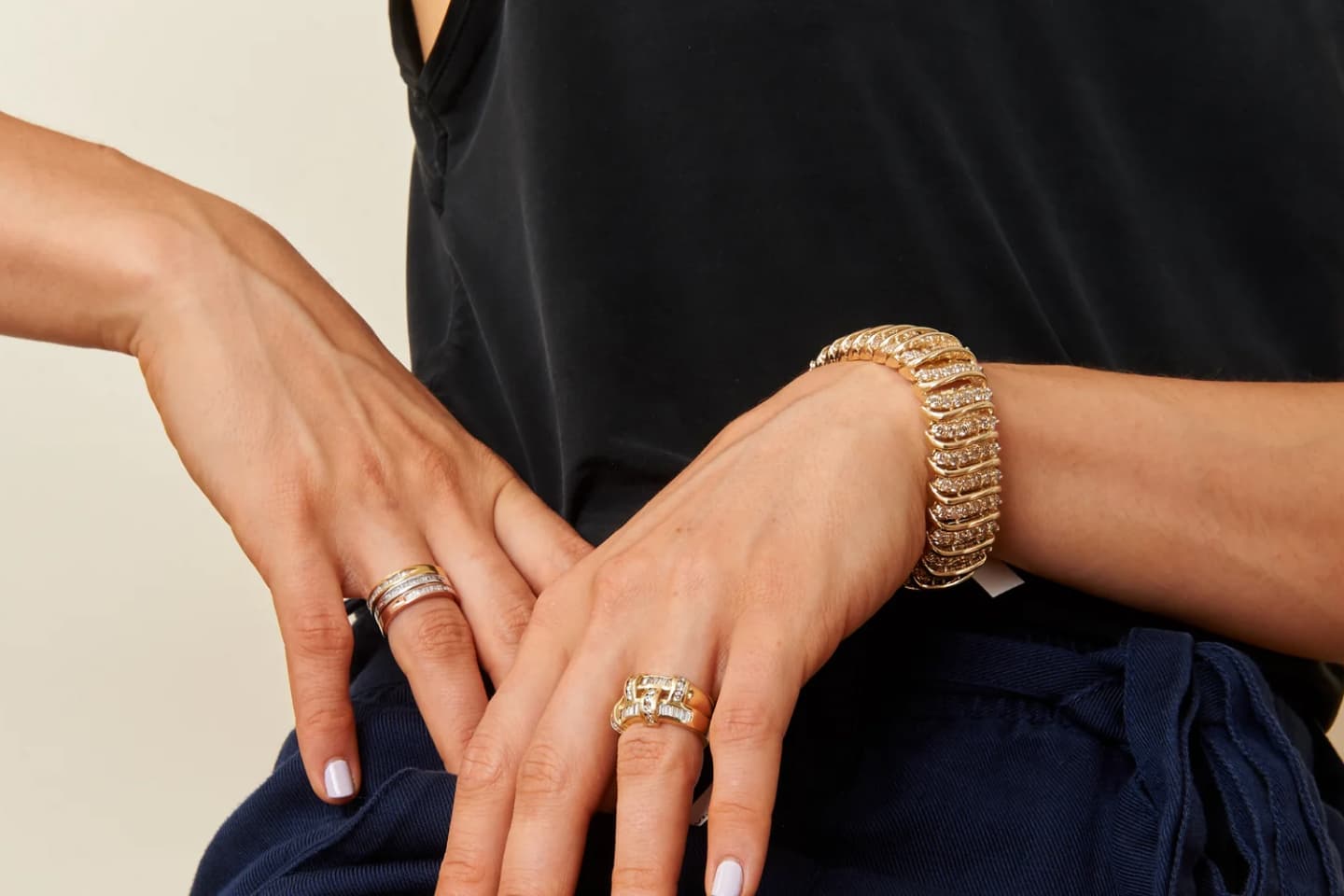












On the product page
Two numbers, right on the page.
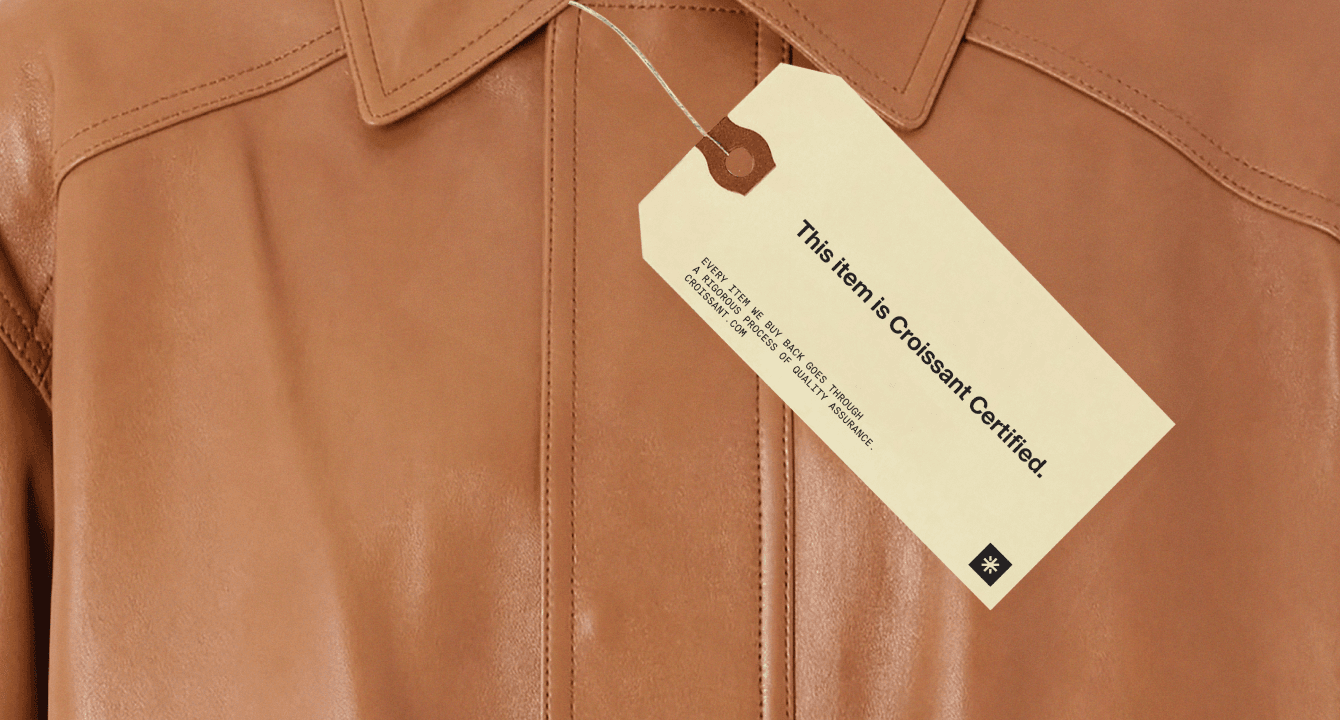
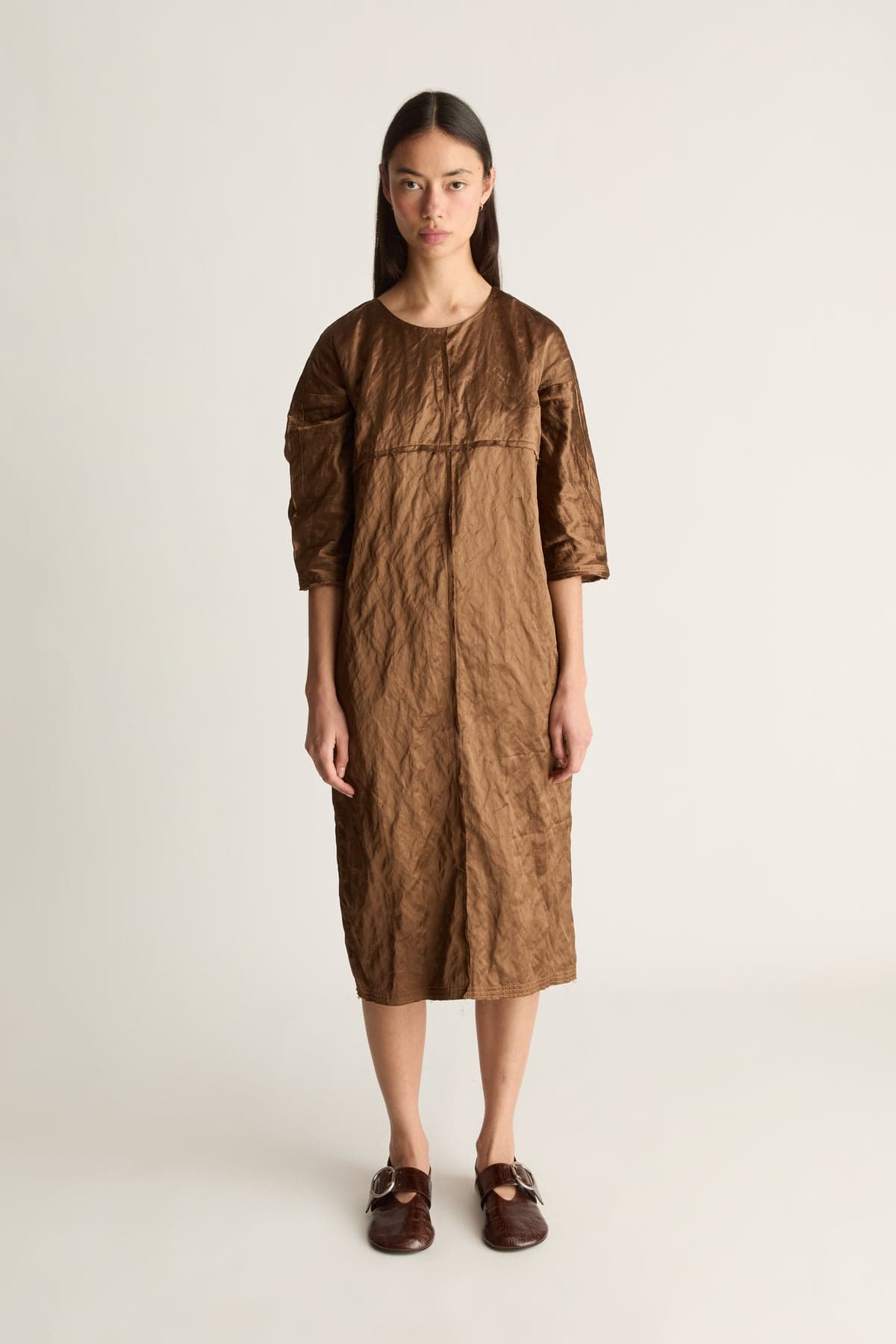
Croissant shows the 10% a piece earns back before it goes in your bag. On an eligible piece, it also shows the guaranteed price we'll pay if you sell it to us later.

 Credit back with Croissant+$97.50
Need to know
Extension questions, answered.
These answers cover the credit, when it lands and where the extension works. Everything else is in the full FAQ.
At any partner brand that takes Croissant at checkout. Your credit pays toward your order, with no codes to track. You can also turn it into a gift card at Revolve or FWRD. See where to spend.
Yes. The Safari extension comes with the Croissant iPhone app. Download it, then switch Croissant on under Manage Extensions in Safari.
Get the extension
Get $50 for adding Croissant to Chrome.
From then on you earn 10% back as credit at the retailers it supports, and see what we'd pay for an eligible piece before you buy it.